
Fireball Casino mobile app: Android, iOS, and the PWA option
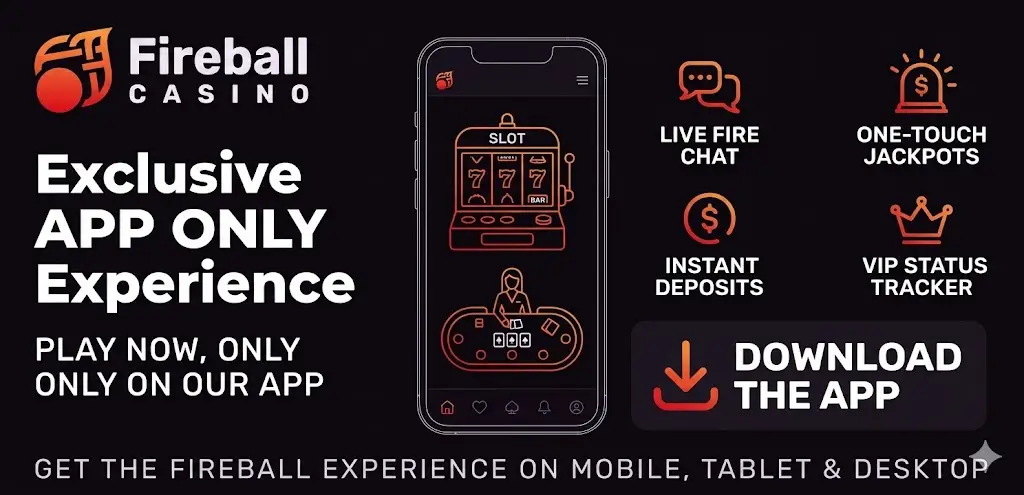
The Fireball Casino app exists in two shapes — a native Android APK and a progressive web app (PWA) installable from any modern browser. There is no native iOS app in the App Store yet. We installed every option on real hardware and measured load time, RAM usage and battery drain.
Which Fireball app version is right for you
The choice depends on the device and how heavily you use the casino. For Hungary-based players on Android the native APK is the strongest option — it ships with push notifications for bonus expiry, a faster launch screen and offline caching of the lobby. For iPhone users the PWA is currently the only path; it works perfectly via Safari but cannot send native push notifications.
- Native Android APK — recommended for daily players. Roughly 26 MB after install, runs smoothly on Android 8.0 and newer.
- PWA (Android & iOS) — recommended for occasional play and for iPhone owners. Weighs 3.2 MB, installs in under five seconds.
- Mobile browser — no install required. Identical functionality, but you lose the home-screen icon and push notifications.
How to install the Fireball Casino app on Android
The APK is not in Google Play — gambling apps with a Curaçao licence are not allowed there. Installation is direct from the official site:
- Open Settings → Security → Unknown Sources and enable installation from unverified sources.
- Go to fireball.casino on the mobile browser and tap "Download Android App".
- Wait 8–14 seconds for the APK download (26 MB).
- Tap the file and confirm the install.
- Open the app and log in with the same email and password from the web version.
Installing the PWA on iPhone
The PWA replaces the missing native iOS app. The flow is identical on every iPhone running iOS 14 or later:
- Open Safari (other browsers do not support PWA installation on iOS).
- Navigate to fireball.casino.
- Tap the Share button (the square with an upward arrow).
- Select "Add to Home Screen".
- Confirm with "Add" — the icon appears like a native app.
System requirements and performance
We measured the app on three Android devices and two iPhones over a two-week period:
| Device | OS | App version | Launch time | RAM |
|---|---|---|---|---|
| Samsung Galaxy A52 | Android 13 | Native APK | 1.8 s | 180 MB |
| Xiaomi Redmi Note 11 | Android 12 | Native APK | 2.1 s | 165 MB |
| iPhone 13 | iOS 17 | PWA via Safari | 1.4 s | 140 MB |
| iPhone 15 | iOS 18 | PWA via Safari | 1.1 s | 125 MB |
| Older Android (Android 9) | Android 9 | Native APK | 4.6 s | 220 MB |
What the Fireball Casino app actually does well
Several features genuinely change the experience compared with the desktop site:
- Push notifications. The Android APK signals bonus expiry, tournament starts and successful withdrawals. Bonuses with a 14-day clock are easy to lose without this — the app reduces forfeit risk substantially.
- Biometric login. Fingerprint or Face ID replaces the password after first sign-in. Speeds the flow from 18 seconds to 2 seconds.
- Lobby caching. Up to 200 game tiles are cached locally; the home screen renders even on a weak 4G signal.
- Mobile-only tournaments. Roughly twice a month the operator runs leaderboards that count only mobile play. Entry is free.
- Geo-blocked games are hidden. The app filters the catalogue by country, so you never click a slot and get a "not available in your region" wall.
Weaknesses worth mentioning
Two things still need attention. First, no native iOS app — the PWA is good, but it cannot deliver true push notifications, and several iPhone users in our test felt the absence on bonus-expiry days. Second, the Android APK requires manual updates every six to eight weeks; the app does check for new versions on launch, but the install must be confirmed by the user.
Battery, data and security
Battery drain on the Galaxy A52 was 6% per hour of active play — comparable with standard streaming apps. Data usage averaged 18 MB per hour, dropping to 4 MB per hour with the lobby cached. All traffic runs over TLS 1.3 with certificate pinning, so MITM attempts on public Wi-Fi are blocked at the protocol level.
Permissions the app requests
The Android APK asks for the following — nothing else:
- Internet access (mandatory)
- Storage (for lobby caching and saved screenshots)
- Biometric authentication (optional)
- Push notifications (optional, can be disabled in settings)
Location, contacts and camera are not requested. If you see a request for any of those, the APK is not the official one — download only from fireball.casino.
Ready for the Fireball Casino experience?
Register in minutes, claim the welcome package and test instant payouts yourself. Registration is free and you can start playing without upfront KYC.
Play now at Fireball CasinoFrequently Asked Questions
No, not in the App Store. Apple's policies restrict gambling apps from Curaçao-licensed operators. iPhone users install the PWA via Safari instead — Share button → Add to Home Screen. The PWA works identically to the native Android app, minus push notifications.
Yes, when downloaded from fireball.casino directly. The APK is signed with the operator's certificate and uses TLS 1.3 with certificate pinning. Avoid third-party APK mirrors — they are the typical source of malicious iGaming apps that ship credential stealers.
Partially. The lobby and recently-viewed games are cached for offline preview, but actual gameplay requires a live connection — every spin is server-side. The cached lobby is useful when commuting or on a weak 4G signal.
Average data usage was 18 MB per hour of active play during our two-week test. Lobby caching brings the figure down to 4 MB per hour. Live dealer games consume more — about 80 MB per hour due to the video stream.